Screen sharing safety7 min read
How to Screen Share on Discord Safely
Choose one application, remove notification leaks, check server permissions, and keep personal accounts outside your Discord stream.
Founder of Safe Screen Share. Writes about preventing private data from leaking during calls, demos, and recordings.

Founder, Safe Screen Share
Choose one application, remove notification leaks, check server permissions, and keep personal accounts outside your Discord stream.
It depends on whether you share one tab, a browser window, or the whole screen. Here is exactly what viewers can see in each mode.
Present one application without exposing your desktop, private chats, or unrelated windows. Includes checks for desktop, web, and Mac permissions.
Stop message previews and alerts from appearing in a Zoom presentation by narrowing the share, muting notifications, and cleaning the shared window.
Normal screen sharing ends when you stop it. Remote control and unattended-access software are different, and may need to be removed.
End the session, secure exposed accounts, remove remote-access software, check payments, and report the scam in the right order.
What viewers can see when you share your whole screen, one window, or one tab, and what to hide before a call or recording.
Why alerts still appear during screen sharing and how to fix system notifications, browser notifications, app sidebars, and in-page messages.
What a Google Meet blur extension should do, why page-level blur matters, and how to keep sensitive data hidden during live presentations.
A one-minute checklist for calls, recordings, classes, demos, and support sessions so private messages and sensitive data stay off screen.
A practical guide to choosing tab, window, or entire-screen sharing so you show the work without showing the whole computer.
Prevent API keys, tokens, and secrets from appearing in Loom, OBS, YouTube tutorials, demos, and developer recordings.
How to keep balances, account numbers, card details, transaction rows, and verification codes off screen during legitimate calls or recordings.
Why unsolicited screen sharing requests are risky, how scammers use them, and what to do before letting someone see your screen.
Chrome extensions that help keep private data off calls, recordings, screenshots, and demos, with a focus on what actually protects the visible page.
Keep private Teams chats, message previews, and sidebars out of your screen share with window sharing, Do Not Disturb, and page-level blur.
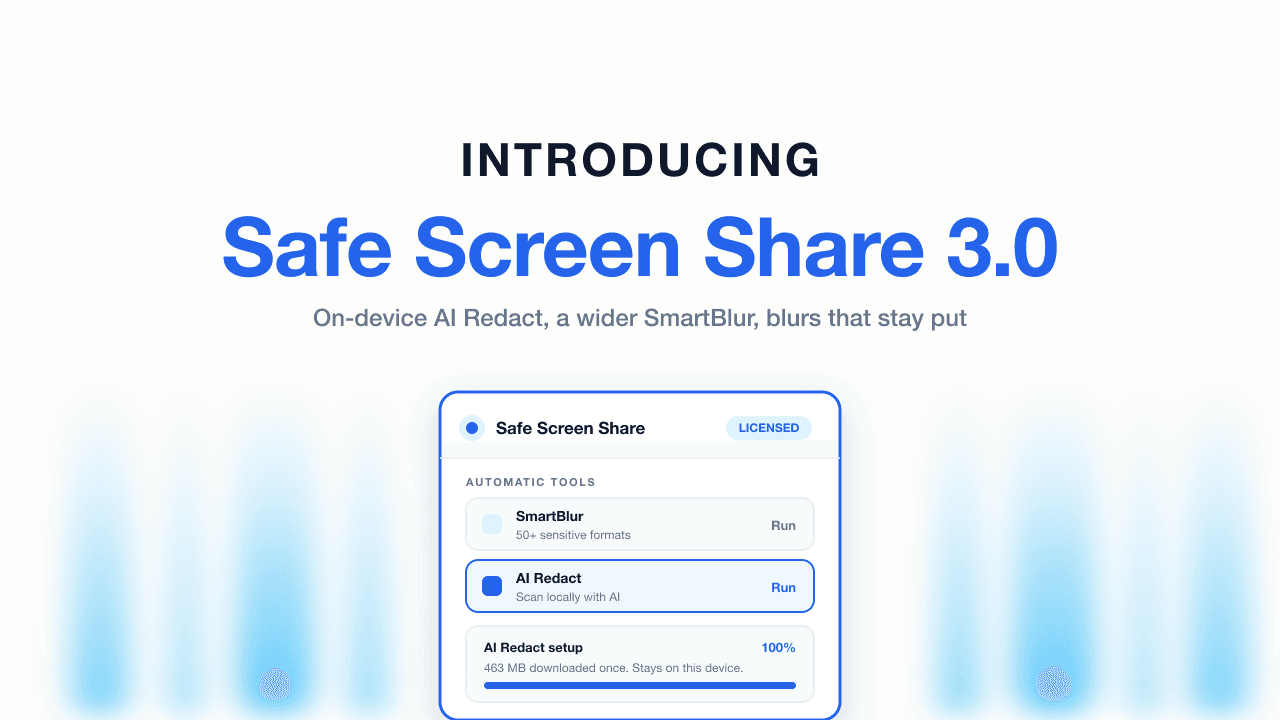
AI Redact brings on-device AI detection to the browser, SmartBlur covers more than 50 sensitive formats, saved blur restoration is more reliable, and the popup now keeps profiles, blur actions, and Meeting Mode controls together.
Stop private messages and alerts from showing in Google Meet. Use Do Not Disturb, share one tab, and blur content already on the page.
Screen sharing lets someone see your screen. Remote access lets them control it. The difference matters for support calls, demos, and scams.
What people can see during a screen share, how password managers and one-time codes leak, and how to keep logins private on calls and recordings.
Teaching online means sharing your screen with a class — and sometimes a personal tab you forgot about. How teachers can present without exposing private info.
Loom and OBS don't blur sensitive data for you. How to hide emails, keys, and customer info before you hit record — instead of editing it out afterward.
Scammers talk people into sharing their screen, then watch them log into the bank. How screen sharing scams work, the red flags, and how to stay safe.
One frame of a screen recording can expose your email, a client's name, or an API key — forever. How to record clean tutorials without hours of editing.
Sharing your screen in a telehealth session can expose another client's PHI in seconds. How therapists can share notes and resources without a HIPAA slip.
Live product demos need real data on screen — and that's how customer emails and payment info leak. How to demo with real accounts without exposing anyone.
Stop messages, emails, and alerts from popping up mid-share. How to turn on Do Not Disturb and Focus on Mac and Windows, plus hide what's already on screen.
Present on Google Meet without showing your whole screen. How to share a single tab or window, hide notifications, and keep private data off-camera.
Screen share on Microsoft Teams without exposing chats, notifications, or other windows. How to share a single window, mute alerts, and hide sensitive data.
Looking for a Blur Web App alternative? How Safe Screen Share compares on automatic detection, meeting mode, browser support, and price.
Share your screen on Zoom without leaking notifications, tabs, or private data. A step-by-step guide to sharing one window, muting alerts, and blurring the rest.
The Chrome extensions that blur emails, payment data, and private info before you screen share or record — compared on detection, automation, and price.
The connection is encrypted. The real risk is what's already on your screen: notifications, inbox previews, autofill, open tabs. Here's how to share your screen without leaking sensitive info.
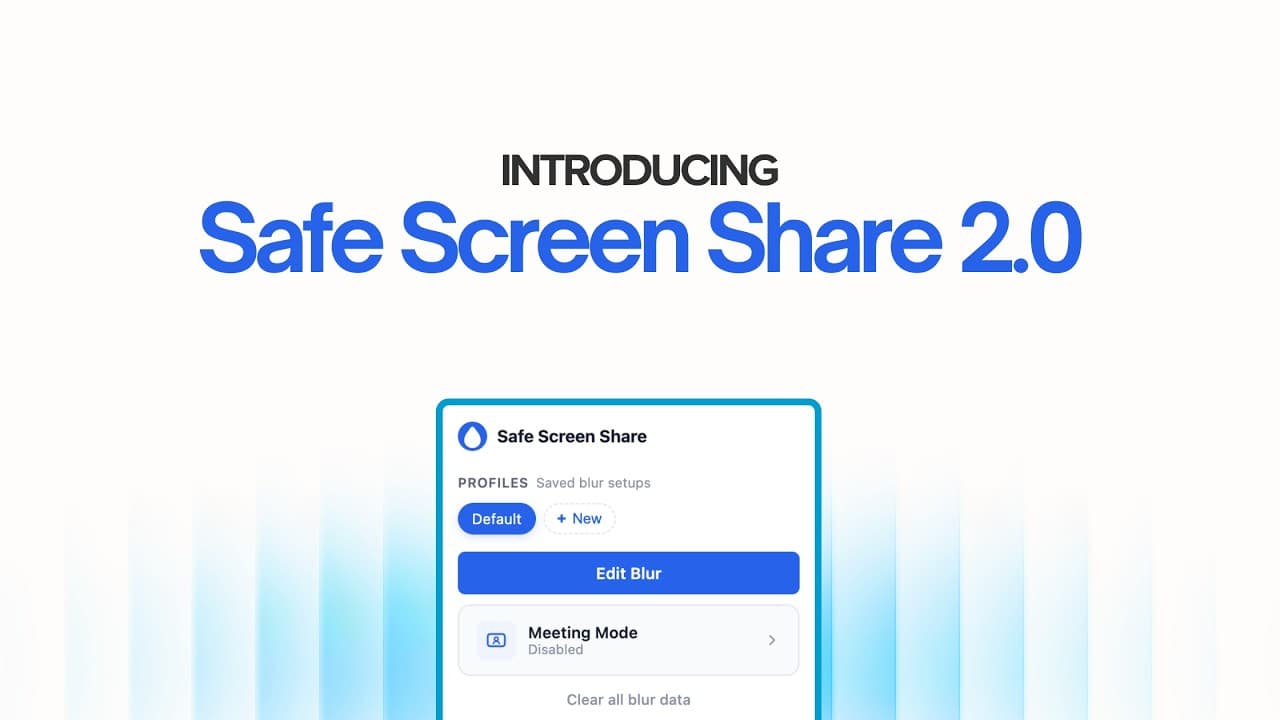
A complete rewrite with SmartBlur, Meeting Mode, blur profiles, and a faster, more reliable blur engine — the biggest update since launch.
The story of how one content creator went from hours of post-production panic to 3-second privacy protection.
Compare the best Chrome extensions for screen capture in 2026, from screenshots and screen recording to privacy tools that hide sensitive information.
Step-by-step: how to blur emails, phone numbers, API keys, and sensitive data on your screen during Zoom, Meet, Teams, Loom, or OBS — automatically, no editing needed.